7 Steps to Get Recommended by ChatGPT and Google AI

Your customers are increasingly asking ChatGPT, Perplexity, or Google’s own AI for answers, rather than Google directly. The questions are specific: “which dentist should I go to in District XIII?”, “where is a good family restaurant on Római-part?”. And the AI doesn’t give a list of ten, but three. Here’s how to get on that short list.
1. Tidy up your Google Business Profile
AI systems rely heavily on map data for local queries. Without a complete name, address, phone number, categories, opening hours, service list, and fresh photos, they have nothing to work with.
2. State the facts, not the adjectives
“Premium experience” and “homely atmosphere” are empty to AI. But “60-seat room, 20-seat private room, children’s menu, 14 parking spaces” is exactly what it will quote.
3. Use a question-and-answer structure
At the bottom of every service page, include 4-6 genuine customer questions with short answers. These blocks will be transferred verbatim into the AI’s response.
4. Have visual evidence
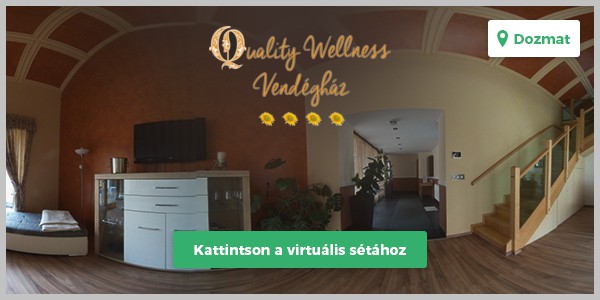
Photos and 360° virtual tours not only convince guests but also strengthen your business profile. The tour stays on Google Maps, doesn’t expire, and can be embedded on your website.
5. Collect and manage reviews
The AI will quote reviews verbatim. Regular, answered reviews are worth more than ten new subpages.
6. Have a page that answers one question
Don’t have one all-encompassing page, but several short, focused ones: one service, one question, one answer. This way, the AI can reliably assign it to the query.
7. Measure who calls
If you don’t measure calls and email clicks, you won’t see which step brought in the customer. This is the cheapest setting, and most often it’s what’s missing.
These seven steps are not a campaign, but a baseline. If you have these, the AI will have something to recommend you with.
Published: